We are introducing Prusa EasyPrint 🚀
Share:


We are introducing Prusa EasyPrint 🚀 a mobile and browser ready 3D printing slicer with multiple printbed support 🔪 It is by far the easiest way to prepare your models for printing. #CouchSlicing is here!
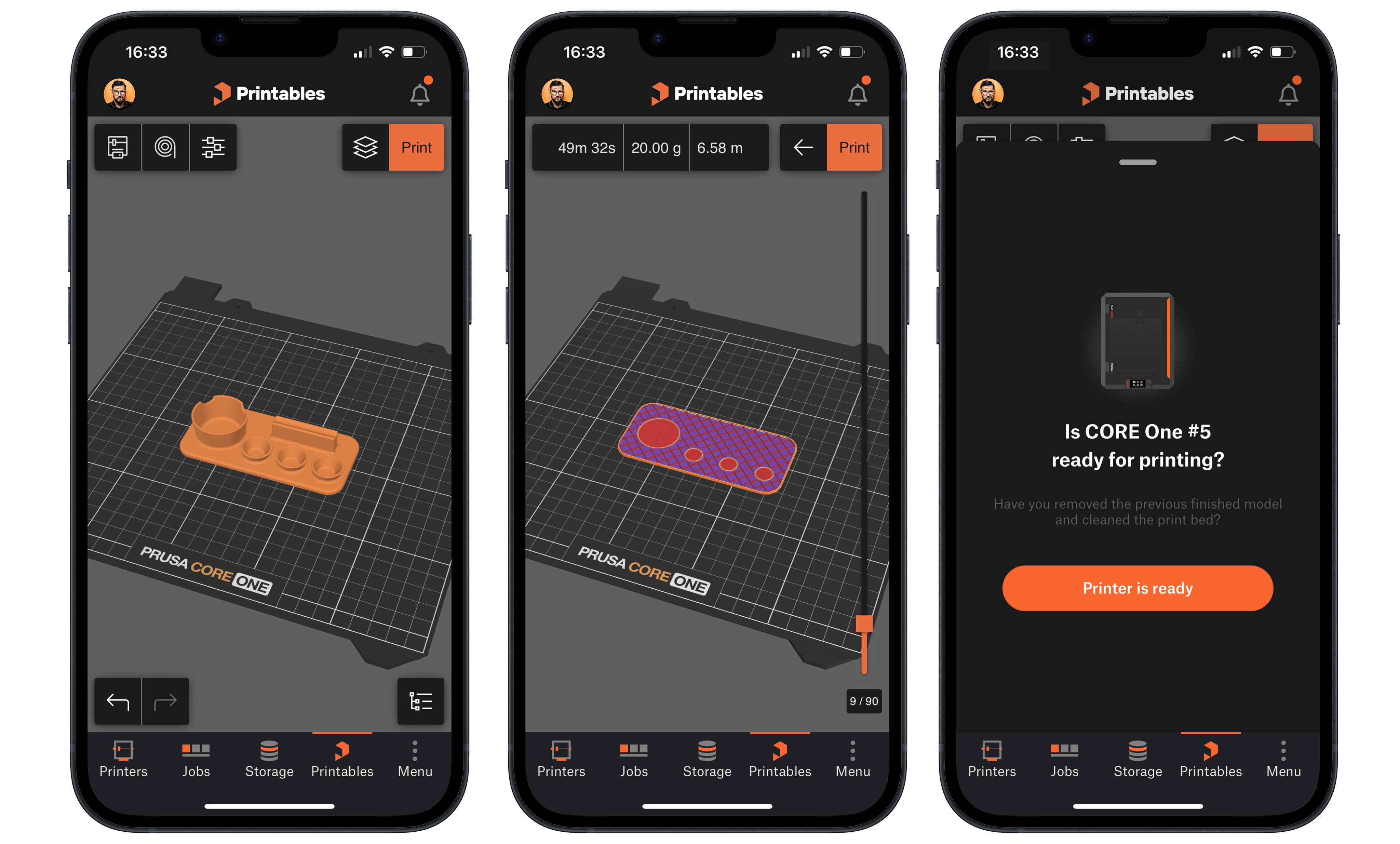
Prusa EasyPrint is right now in early access and invite based to ease the initial load (everyone invited can invite two more 🚀) Right now, it’s making 3D printing easier in many areas!
Easier 3D printing for beginners. Slicing can feel overwhelming if you are new to 3D printing, but Prusa EasyPrint removes that barrier 👍 No complicated installation, settings, no profile set-up. Just click, slice and print 🚀
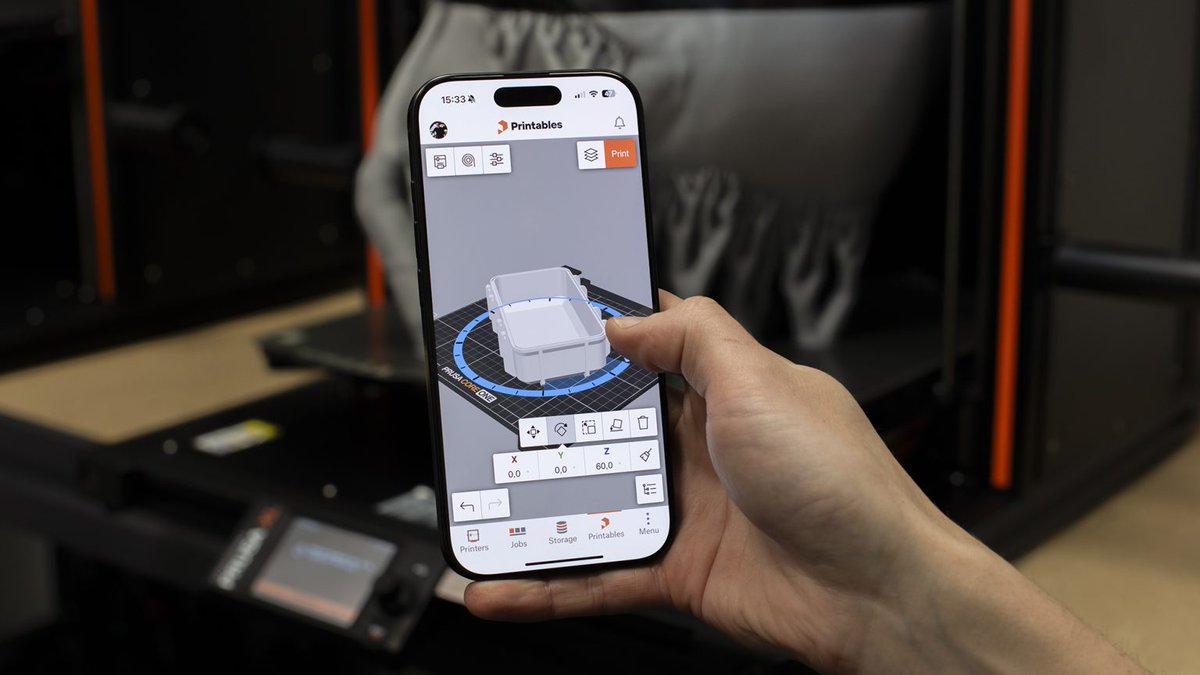
Completely new workflow for advanced tablet users who sculpt or 3D model on the tablet. You can now slice it directly on your tablet and send it to the printer without convoluted file transfer, etc…
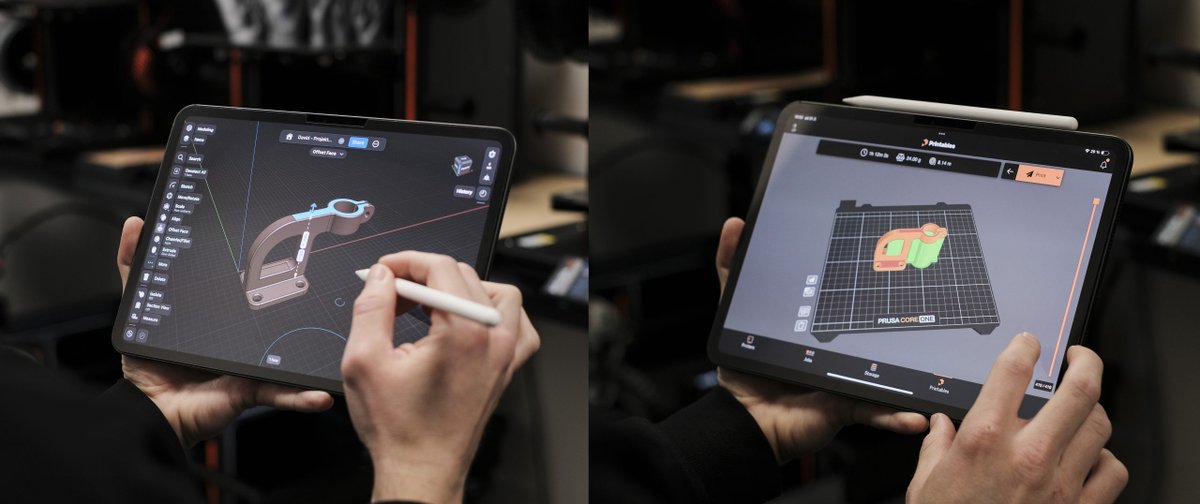
Much easier slicing on Chromebook. No need to install specialized software or wrestle with system restrictions. This is especially nice for students and teachers who can simply open a tab and prepare their 3D models.
This will be a godsend for people who have only work laptops in the domain and cannot install applications without the admin approval.
We wanted to provide the ease of printing for everyone, not just our machines. Slicing is the only way! Sharing G-codes is just creating another walled garden, we tried it in the early days of @printablescom and knew that we can do better.
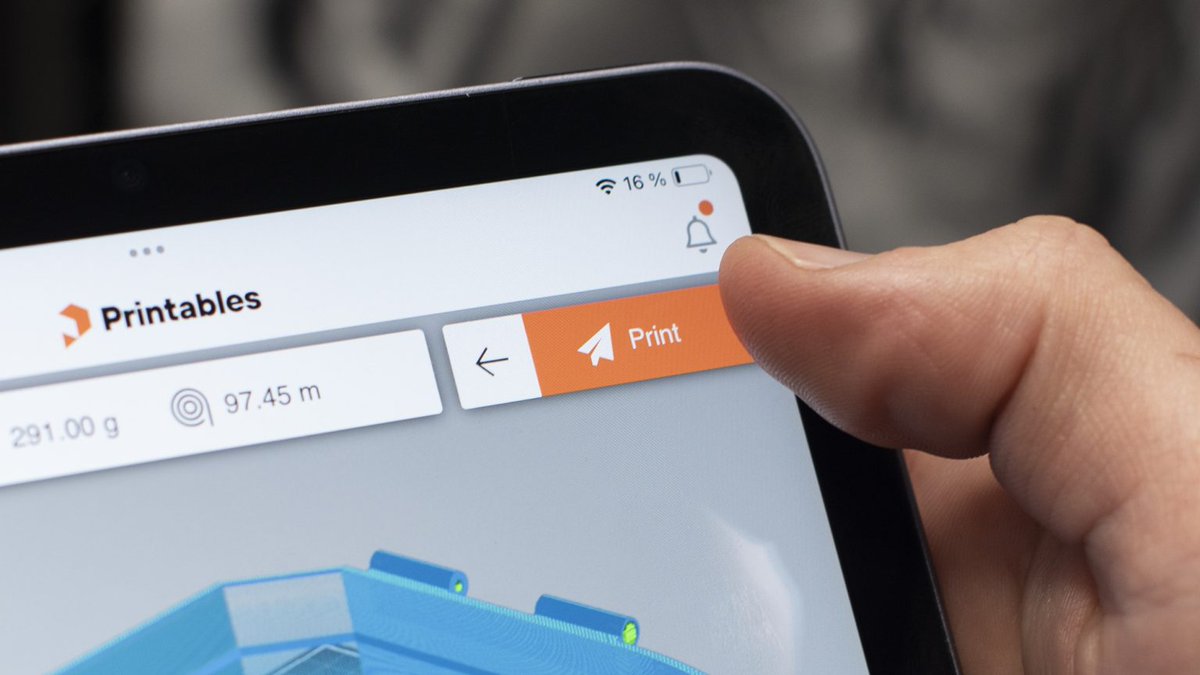
Once we are out of the early access, you will see other printers being added - such as Voron 🧡
You can read all the details on the technology and how it all works in my article on the blog post!